Practical procedure and troubleshooting notes for Quest Physician Portal: White Screen After Login.
🧪 Step-by-Step Troubleshooting
- Clear the browser cache on the machine
- Close the browser
- Go to https://questdiagnostics.com and not this page!!!
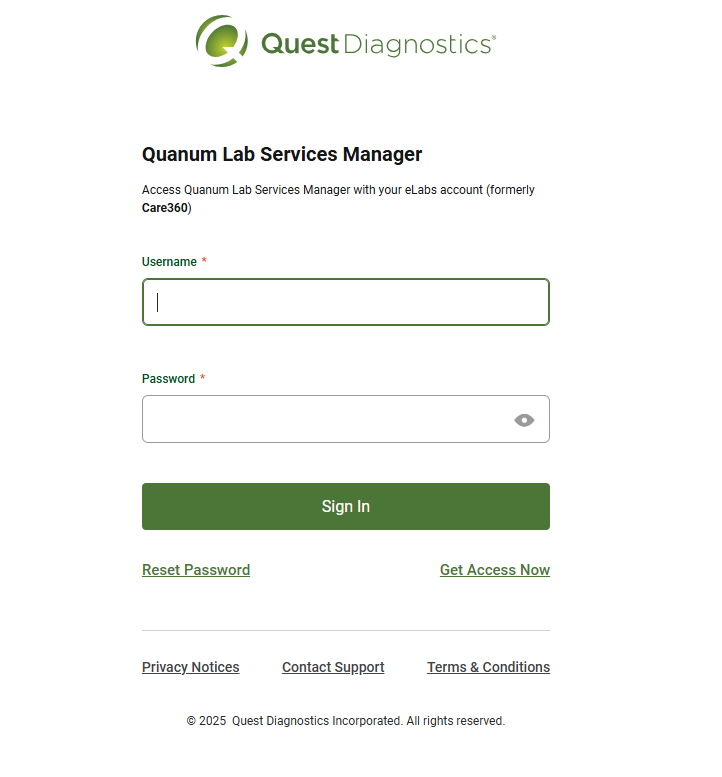
- Once at the quest diagnostics main page accept the cookies

- Once you have acepted the cookies click login at the top right of the page
- From there Click Quanum Lab Services Manager
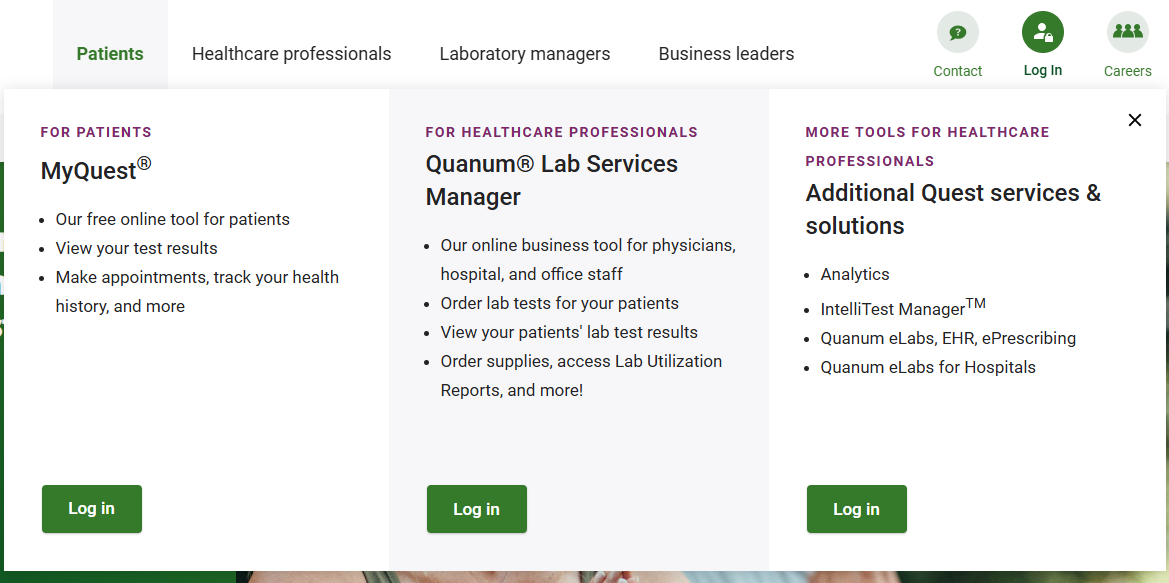
- After that you will then arive at the login page that resembles the first image
- Login using End User Credentials
- Confirm that you can now login