Procedure for opening and running SQL scripts in Oracle SQL Developer.
- Open SQL Developer.
- In the Connections pane on the left, click on your SQL database connection.
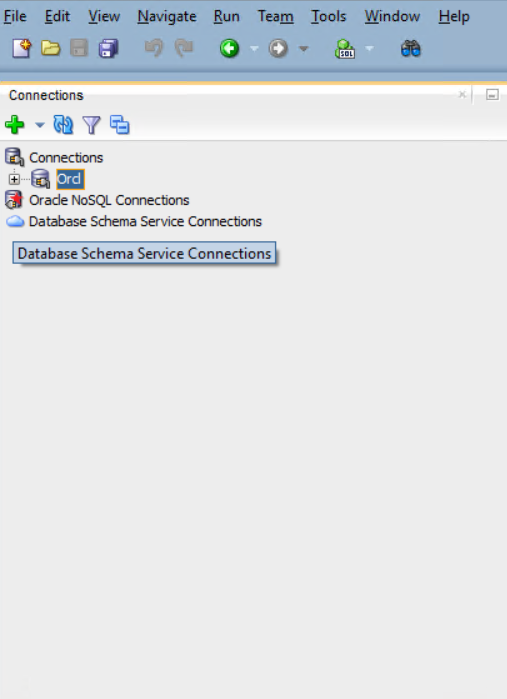
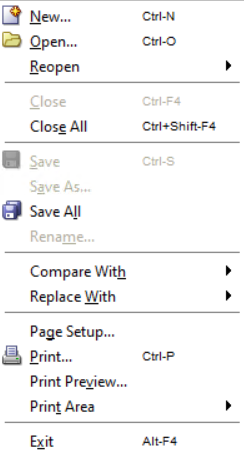
- Click File in the top-left corner.

- In the dropdown menu, click Open.
- In the Open window, browse to your SQL script.
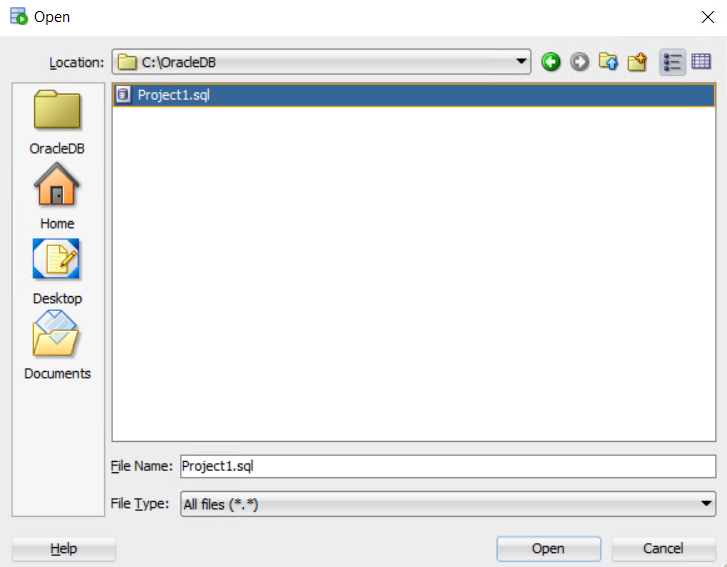
- Click Open. Your script will now appear in the editor.
- Click the Run Script button (next to the green play arrow).

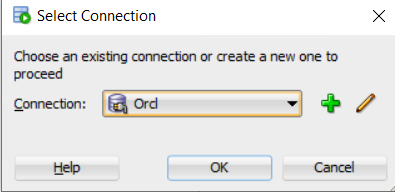
- Select the connection on which you want to run the script, then click OK.
- The script output will be displayed in the Script Output pane at the bottom.
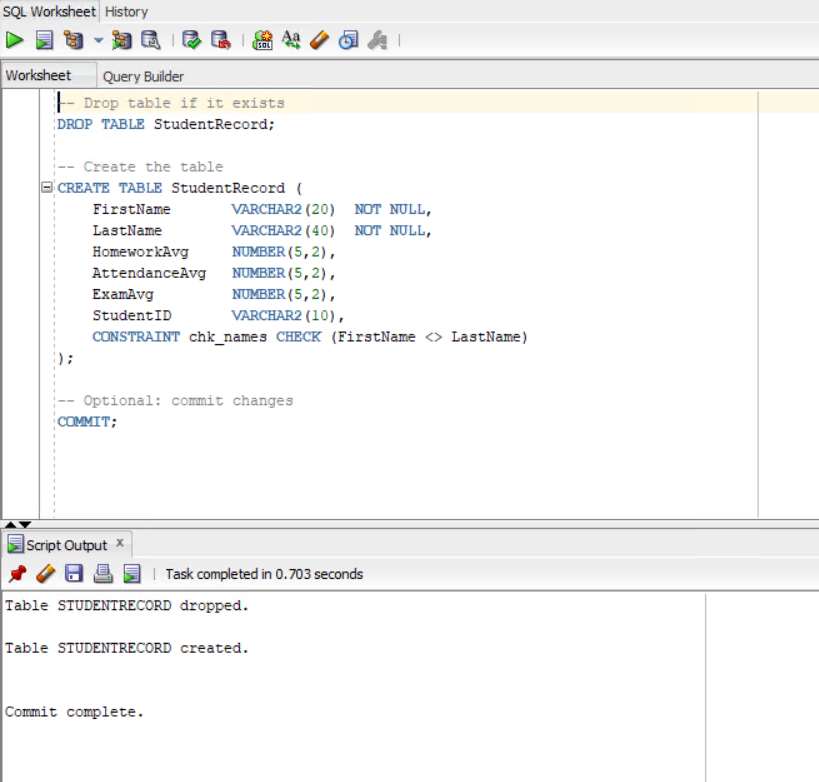
✅ You have now successfully run a SQL script in SQL Developer.