Procedure for creating and testing a database connection in Oracle SQL Developer.
- Open SQL Developer.
- In the Connections pane on the left, click the arrow next to the green + button.
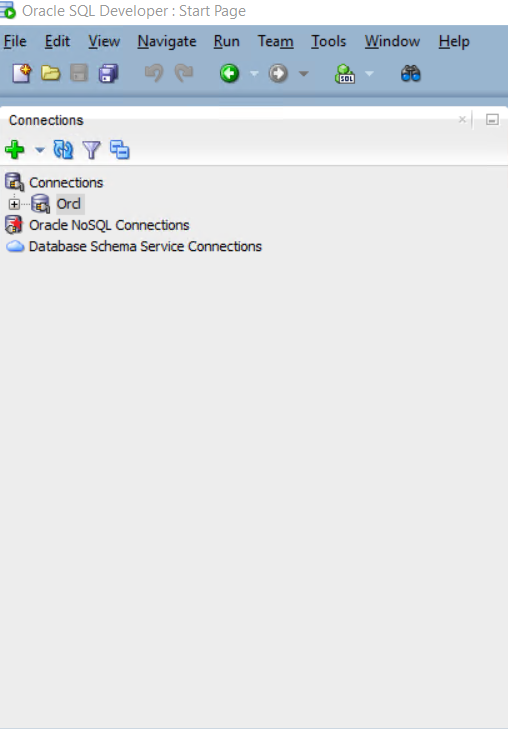
- Select New Connection.

- The New / Select Database Connection window will appear.
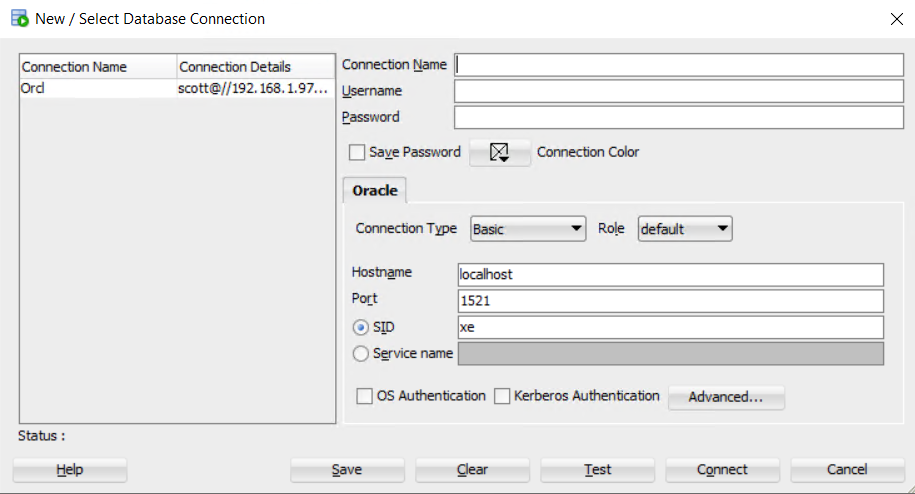
- Fill in the required connection details. Here are the settings I used:
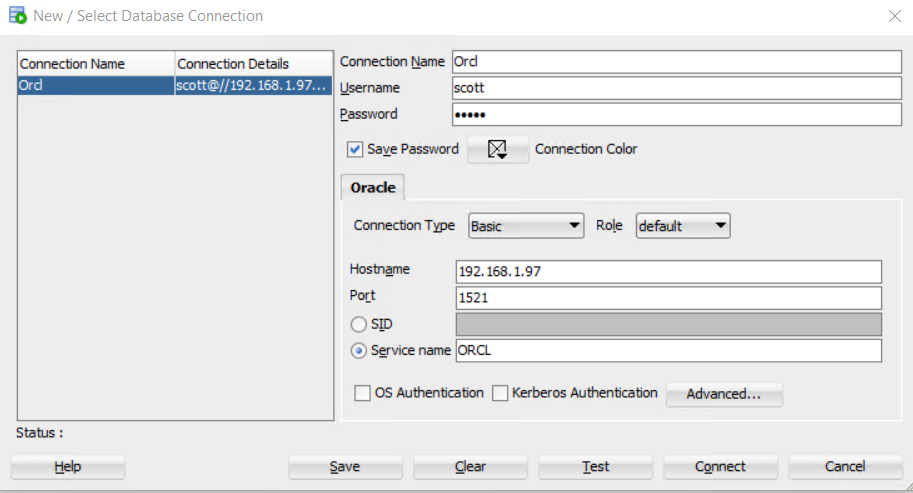
- Click the Test button to ensure the connection works.
- Click Save to save the connection.
✅ You have now successfully created a new connection in SQL Developer.