Practical procedure and troubleshooting notes for Create Users in pfSense.
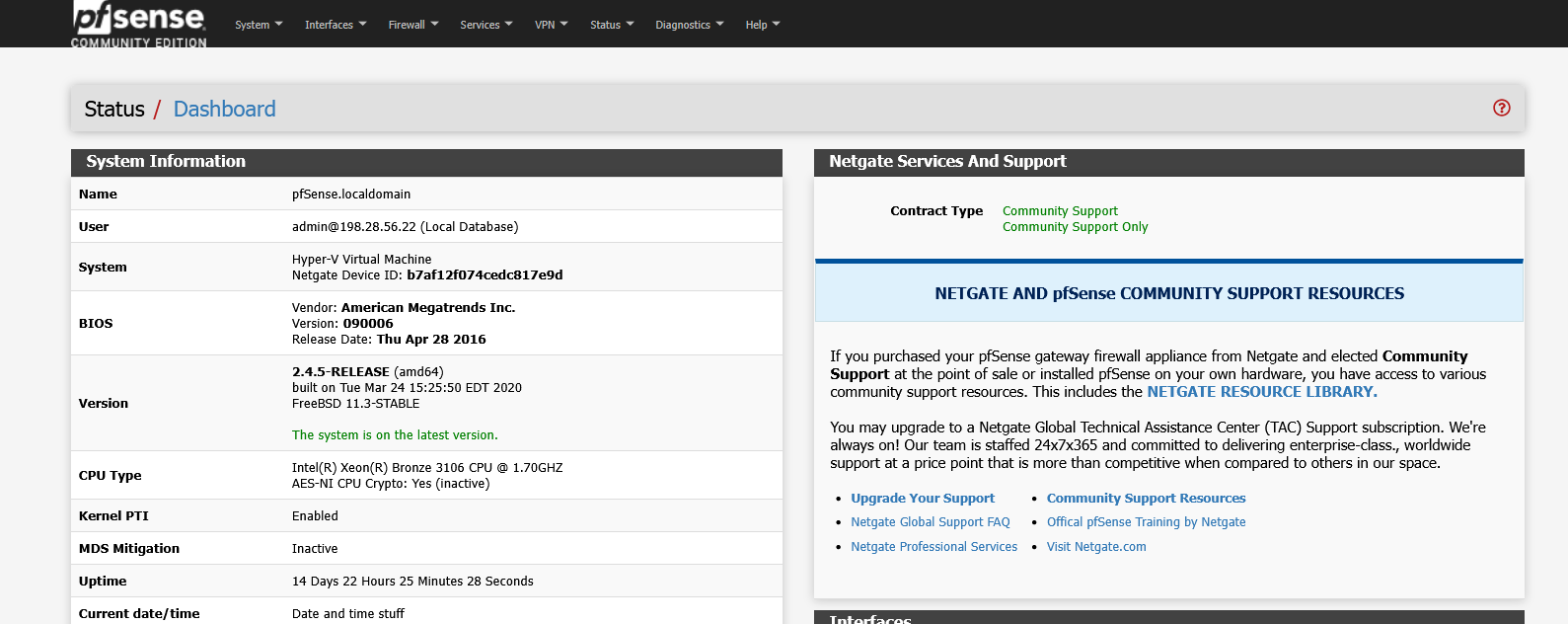
- Log in to pfSense.
- Click on System.
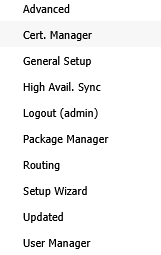
- Select User Manager.
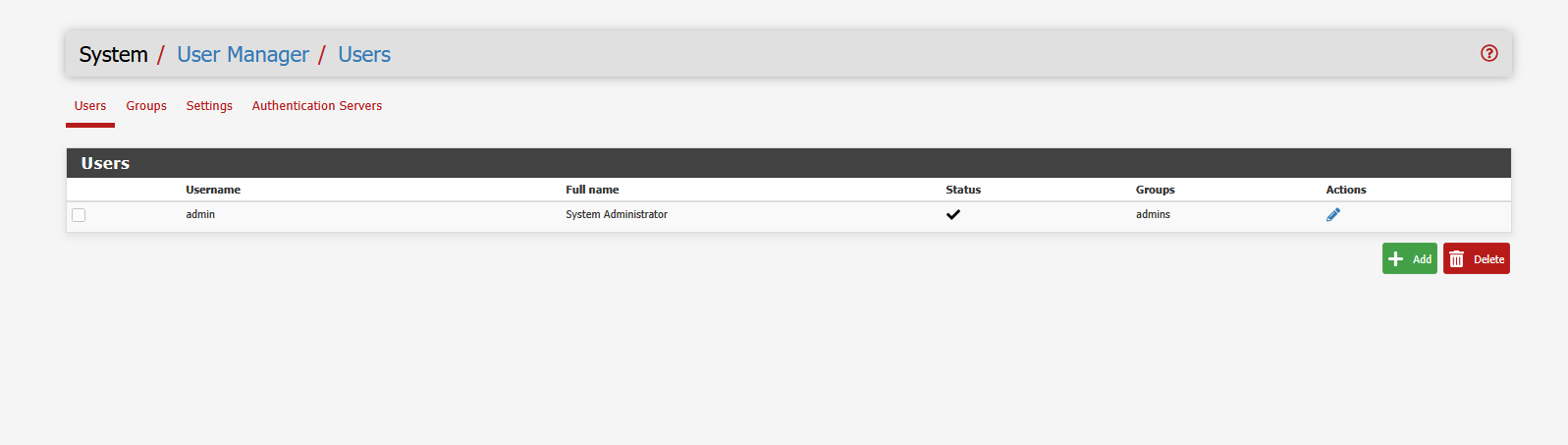
- Click Add to create a new user.
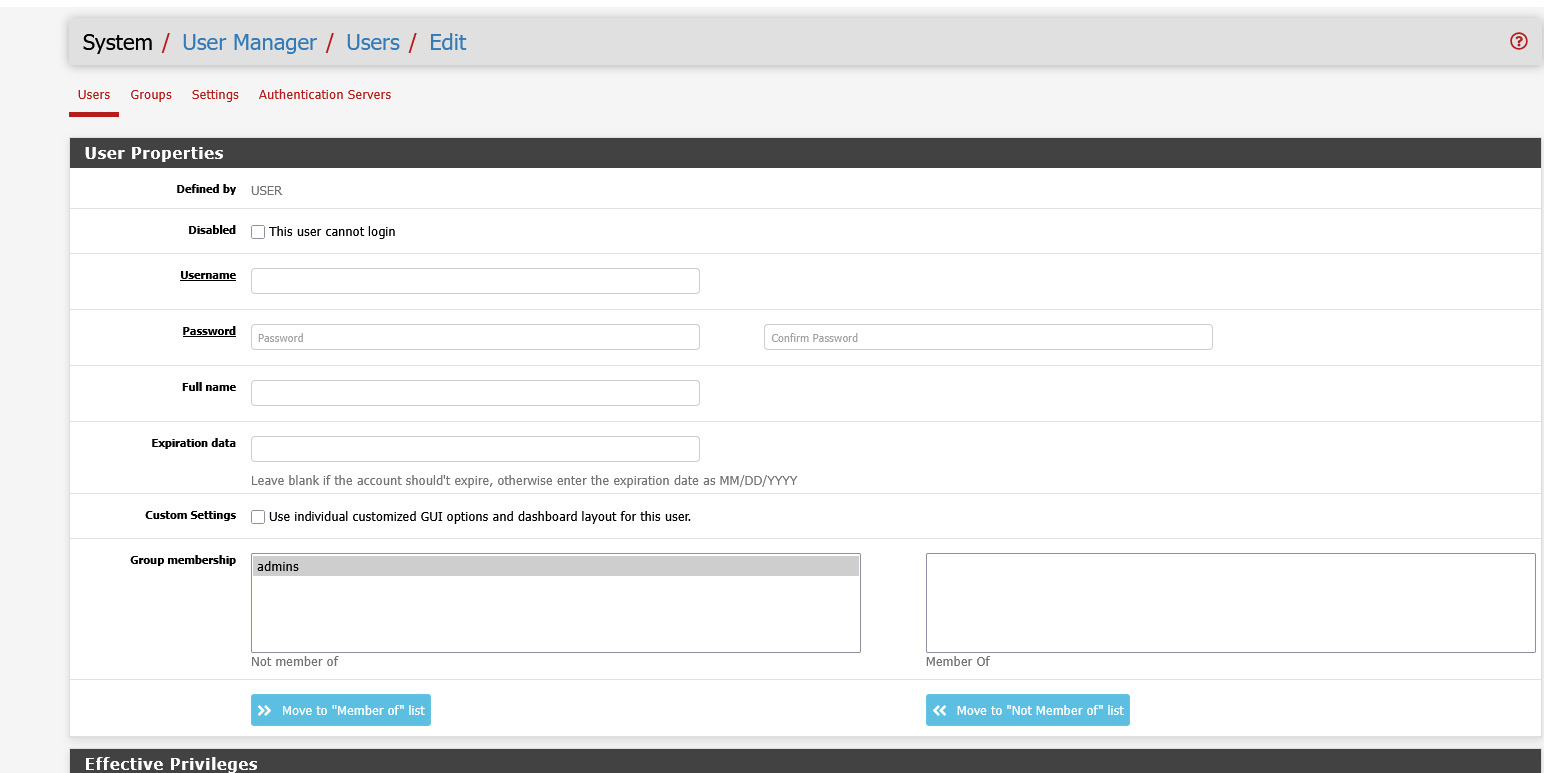
- In the Edit User window, fill out all required information for the new user.
- Scroll to the bottom and click Save.
