Practical procedure and troubleshooting notes for Firewall Rules for a Webserver in DMZ.
- Log in to pfSense.
- Click on Firewall.
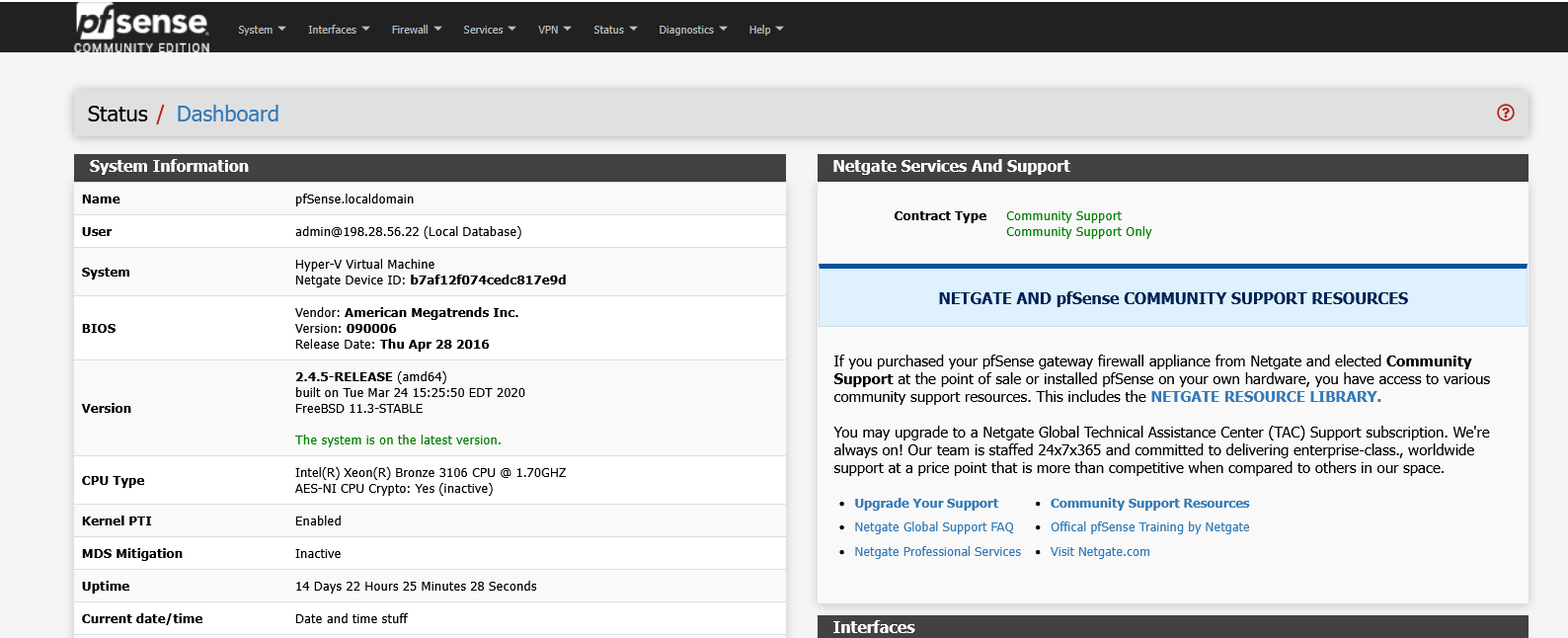
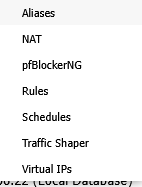
- Select Rules.
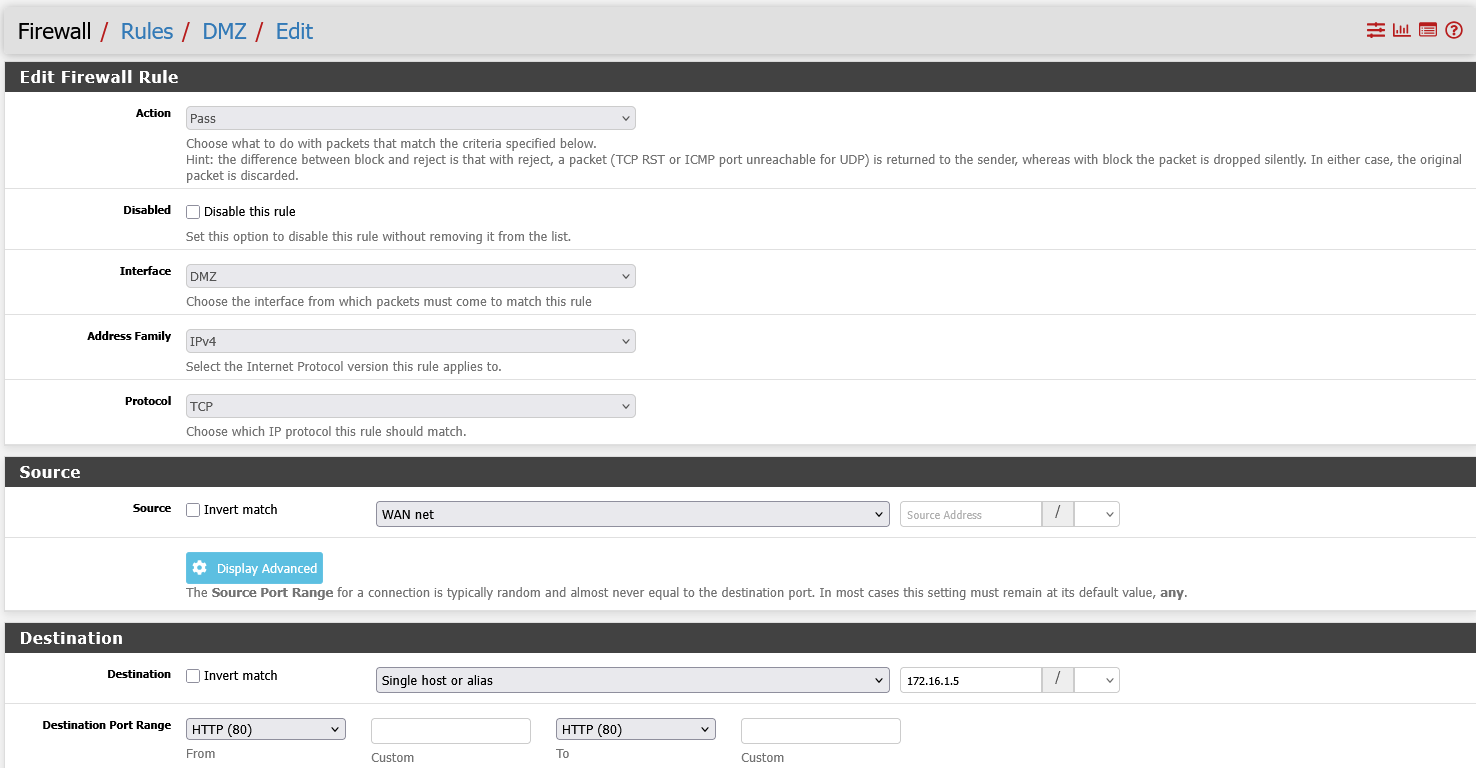
- Click on the interface you are configuring (for example, DMZ).
- Click Add to create a new rule.

- Configure the rule to allow HTTP (port 80) traffic from the WAN to your web server in the DMZ.
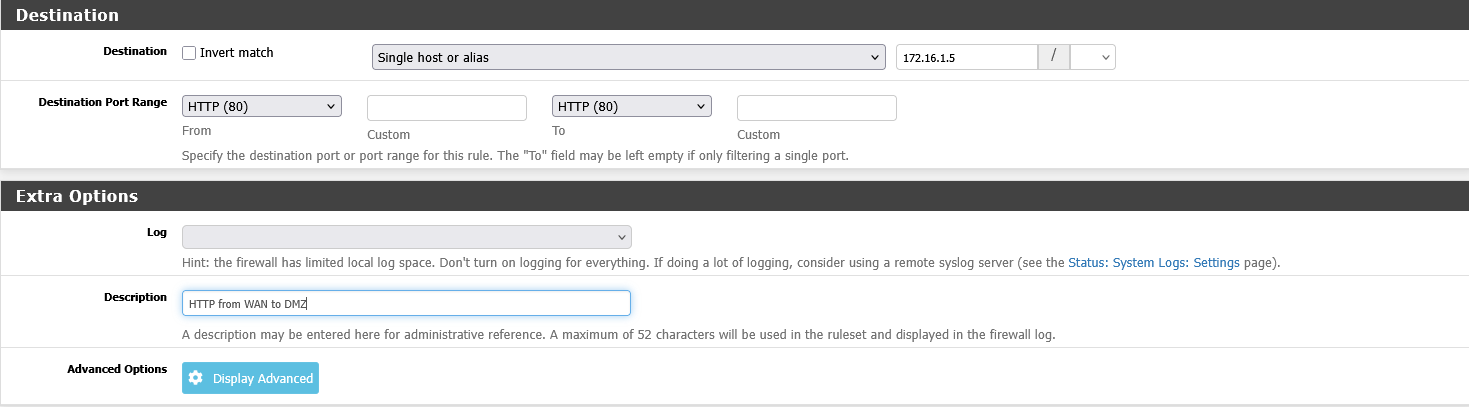
- Scroll down and click Save.

- Click the Copy icon next to the newly created rule to duplicate it.

- Change the Destination Port to 443 for HTTPS traffic.

- Update the Description to indicate the rule is for HTTPS.

- Scroll down and click Save.