Practical procedure and troubleshooting notes for Initial Configuration.
Configure DNS Servers
- Log in to pfSense.
- Click on System.
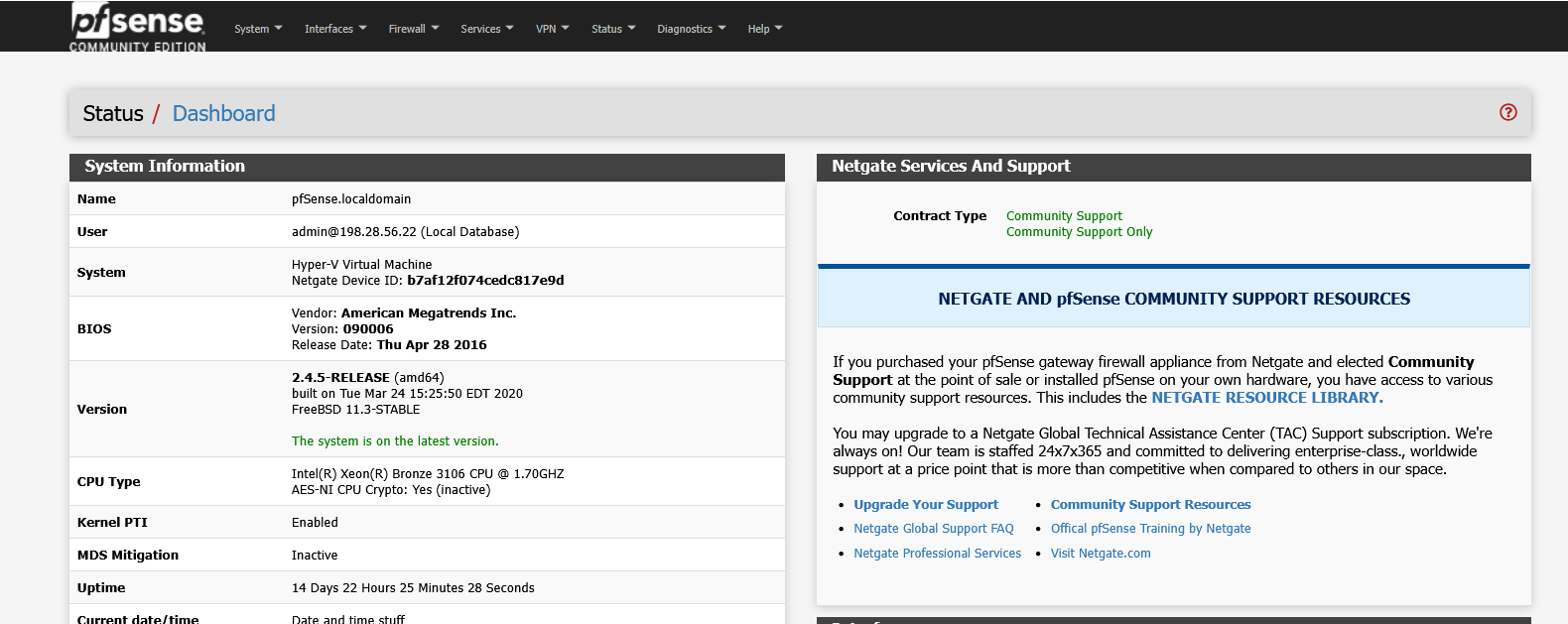
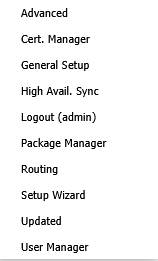
- Select General Setup.
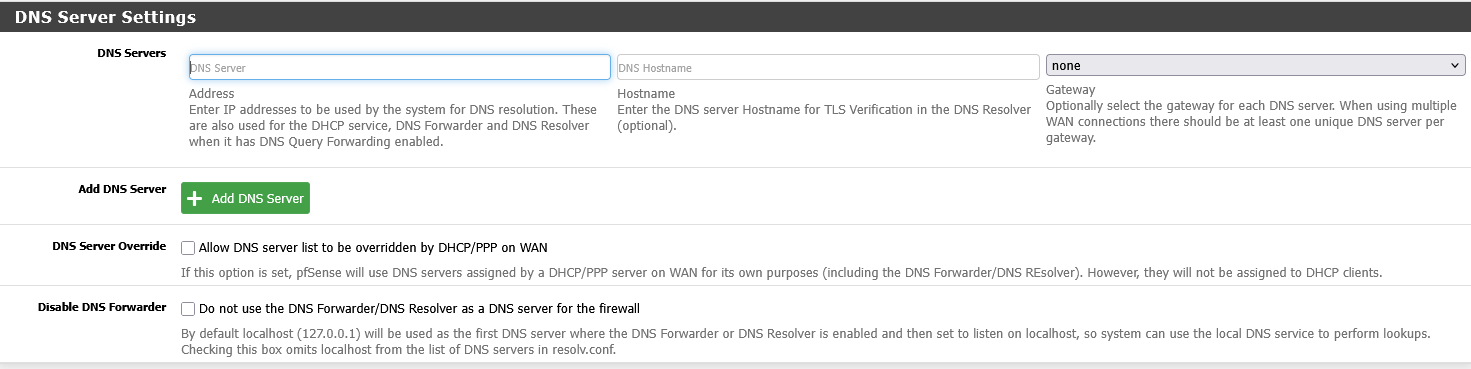
- Under DNS Server Settings, add your DNS server information.
- Scroll to the bottom of the page and click Save.

Configure a Static IP on the WAN Interface
- Log in to pfSense.
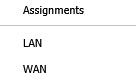
- Click on Interfaces.
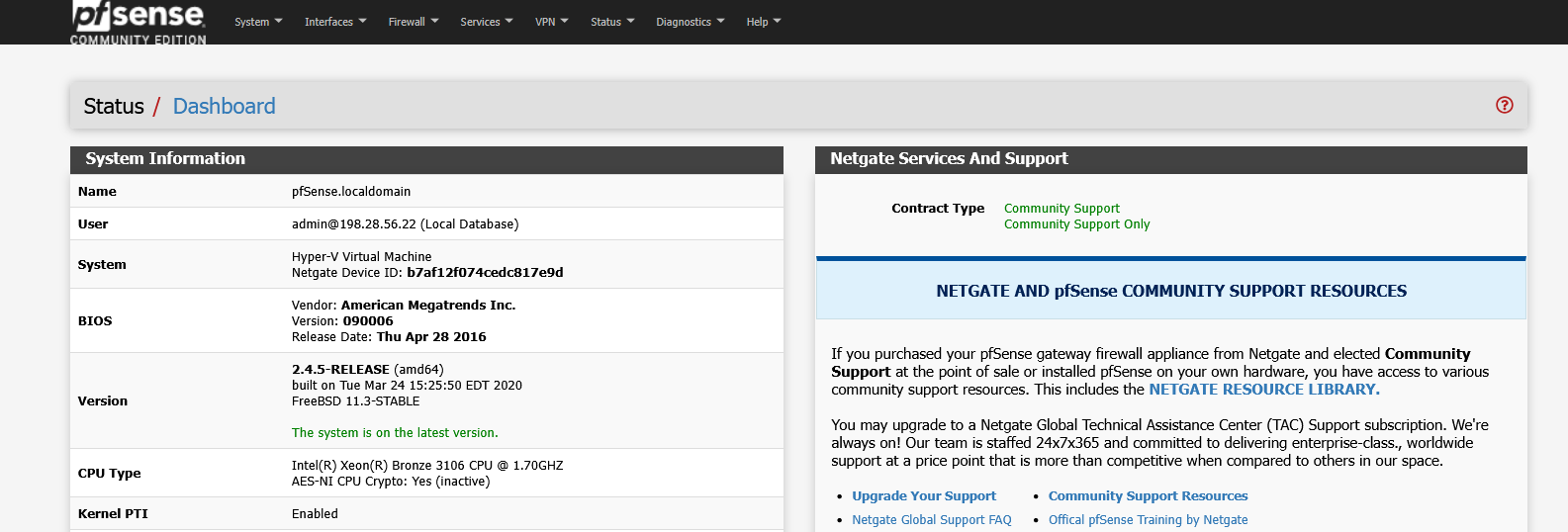
- Select WAN.
- Under General Configuration, review the current settings.
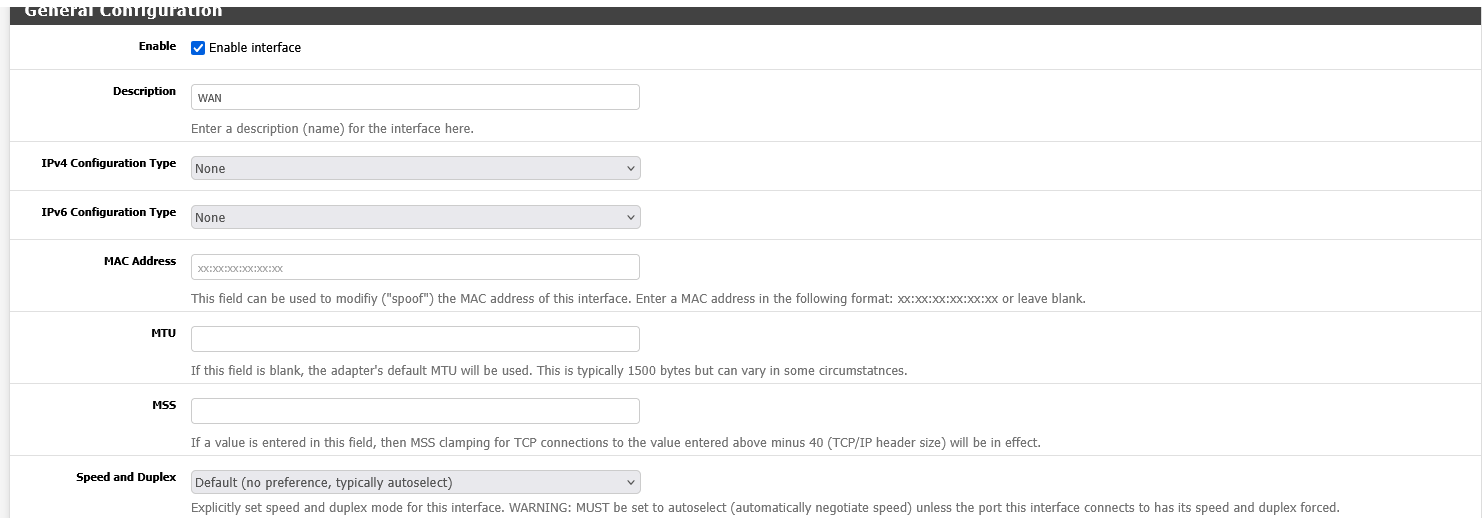
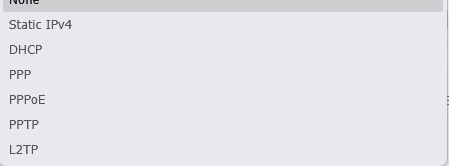
- For IPv4 Configuration Type, select Static IPv4.
- In Static IPv4 Configuration, enter the details for your static IP address.
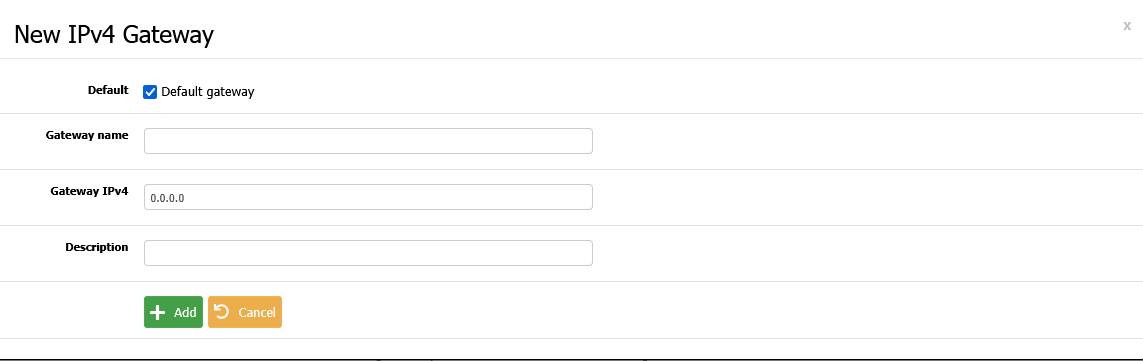
- Click Add a New Gateway, then fill out the required information for your upstream gateway.
- Scroll to the bottom of the page and click Save.
