Practical procedure and troubleshooting notes for How to Create and Link A GPO.
Steps to Create and Link A GPO
- Inside of Server Manger click Tools
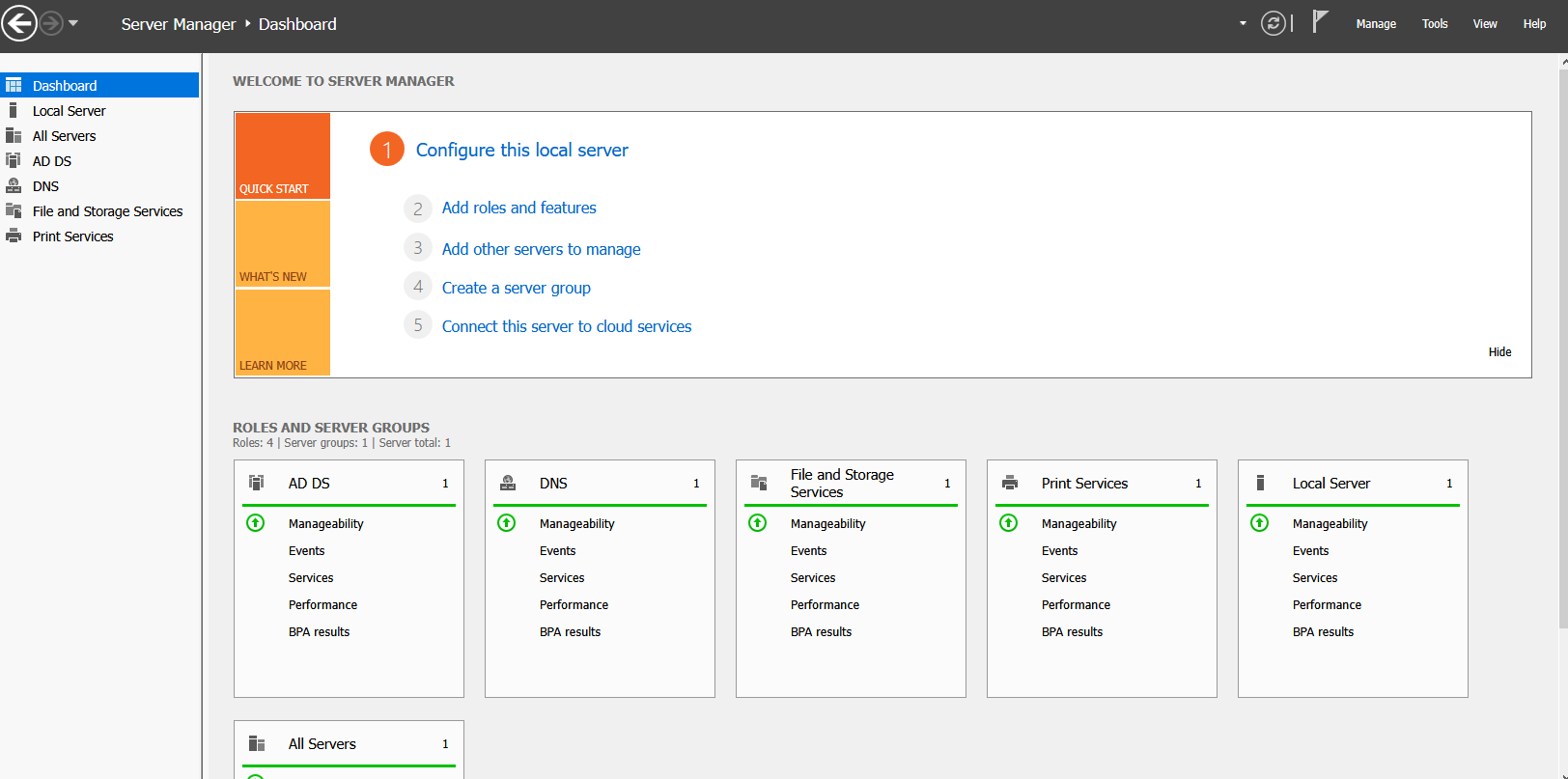
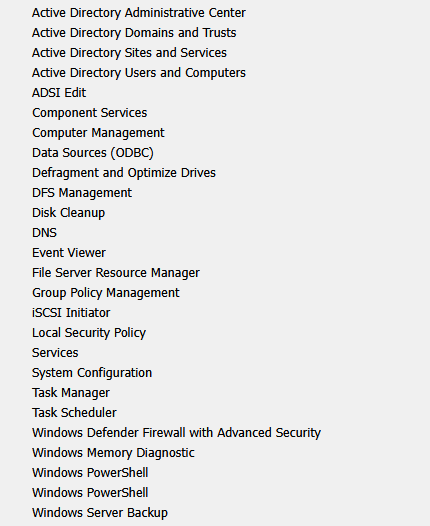
- Click on Group Policy Mangment
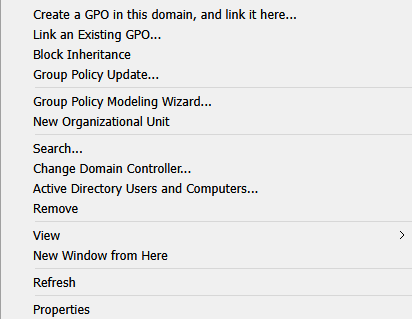
- Right Click your Domain
- Click on "Create a GPO in this domain, and link it here..."
- In the New GPO Window Fill out the information
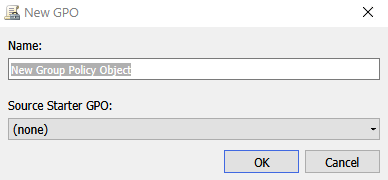
- Click Ok
- Right Click on the OU you would like to link it to and Select the GPO you made
✅You have now created a new Group Policy Object and linked it to an OU