Practical procedure and troubleshooting notes for Configuring and Managing AD DS Passwords.
-
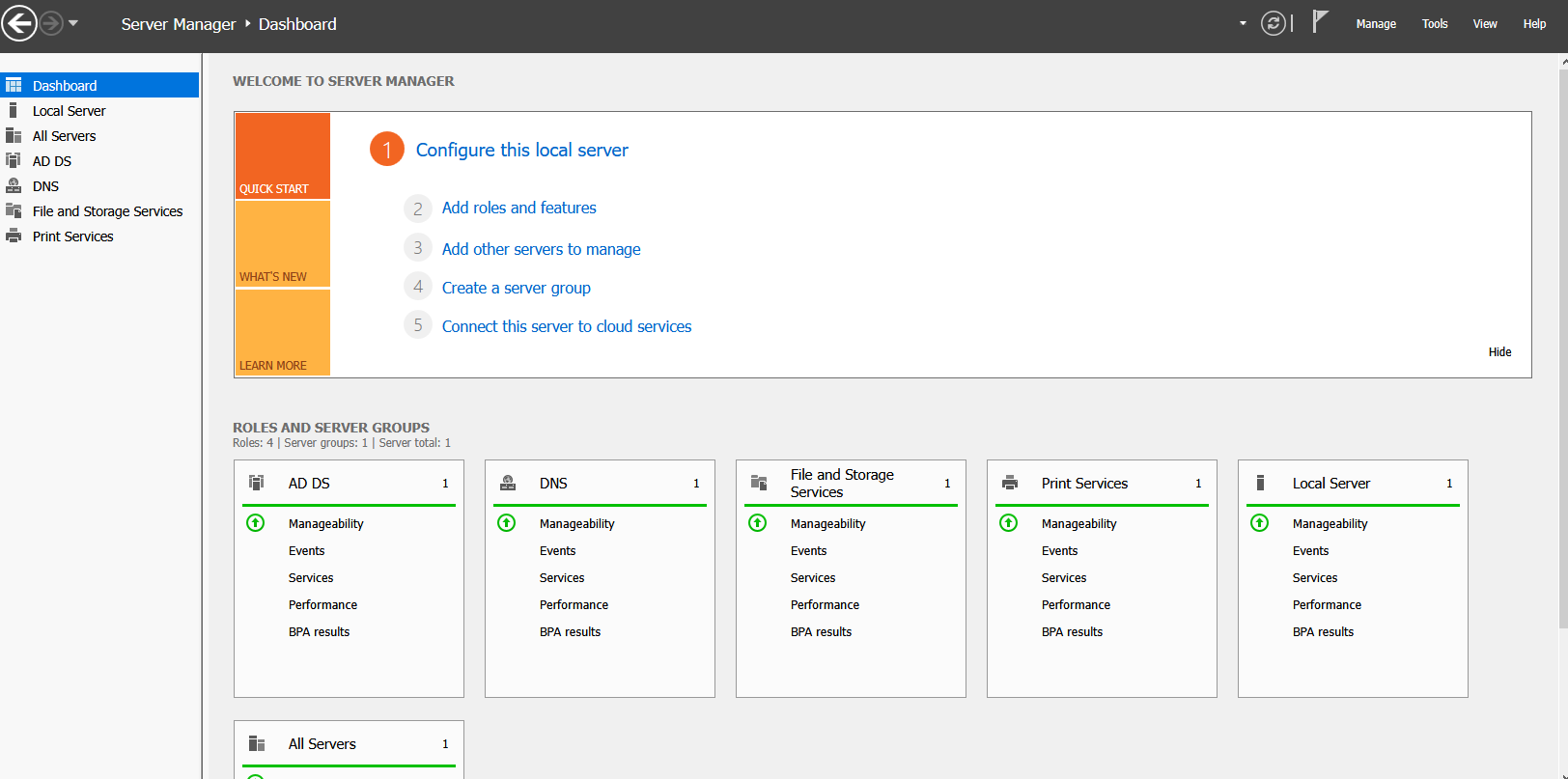
In Server Manager, click Tools.
-
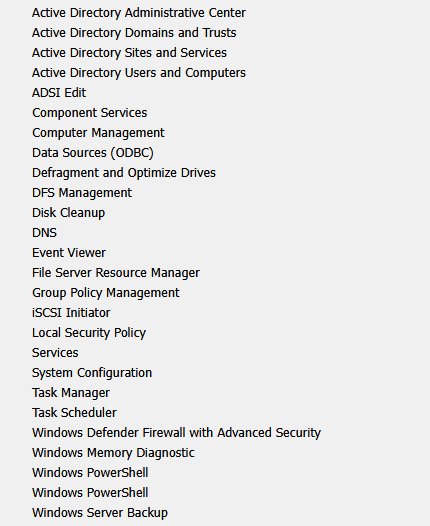
Select Group Policy Management.
-
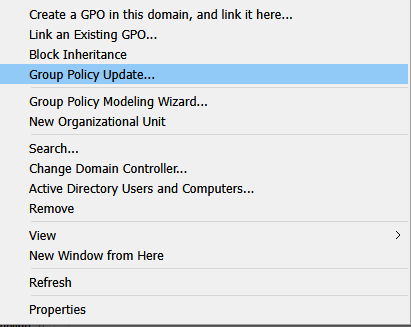
Right-click your Domain.
-
Click Create a GPO in this domain, and link it here...
-
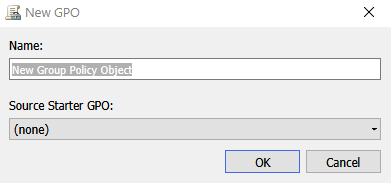
In the New GPO window, name your password policy.
-
Right-click the new GPO and select Edit.
-
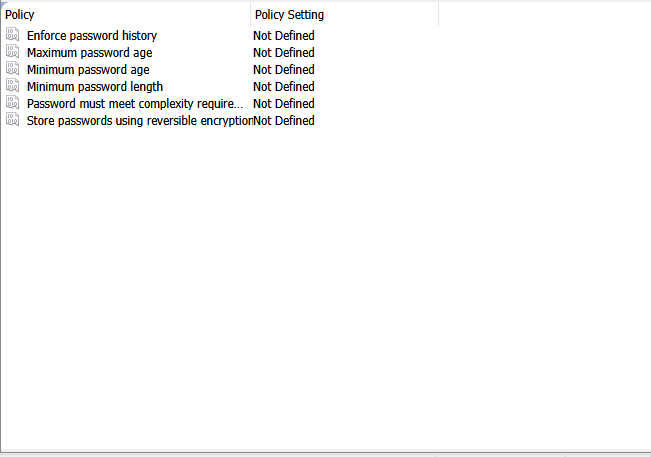
Navigate to:
Computer Configuration → Windows Settings → Security Settings → Account Policies → Password Policy
-
Configure the password policy options by right-clicking each setting and selecting Properties.
-
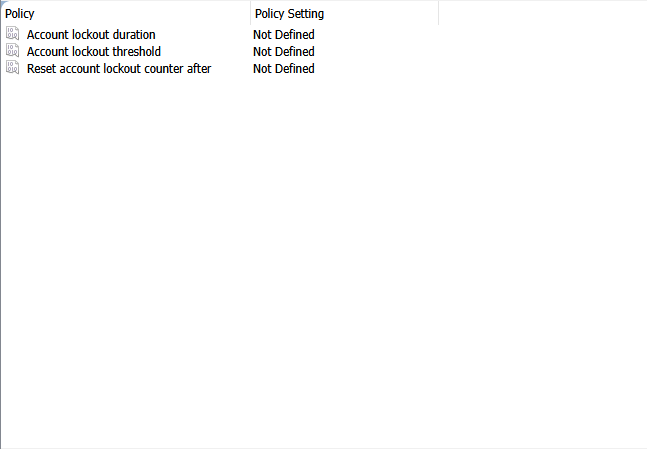
Navigate to:
Computer Configuration → Windows Settings → Security Settings → Account Policies → Account Lockout Policy
-
Configure the account lockout policy options by right-clicking each setting and selecting Properties.
✅ End Result:
You have successfully created and applied a Group Policy Object (GPO) to manage password and account lockout policies across your Active Directory domain.