Practical procedure and troubleshooting notes for Configure Audit Policies.
-
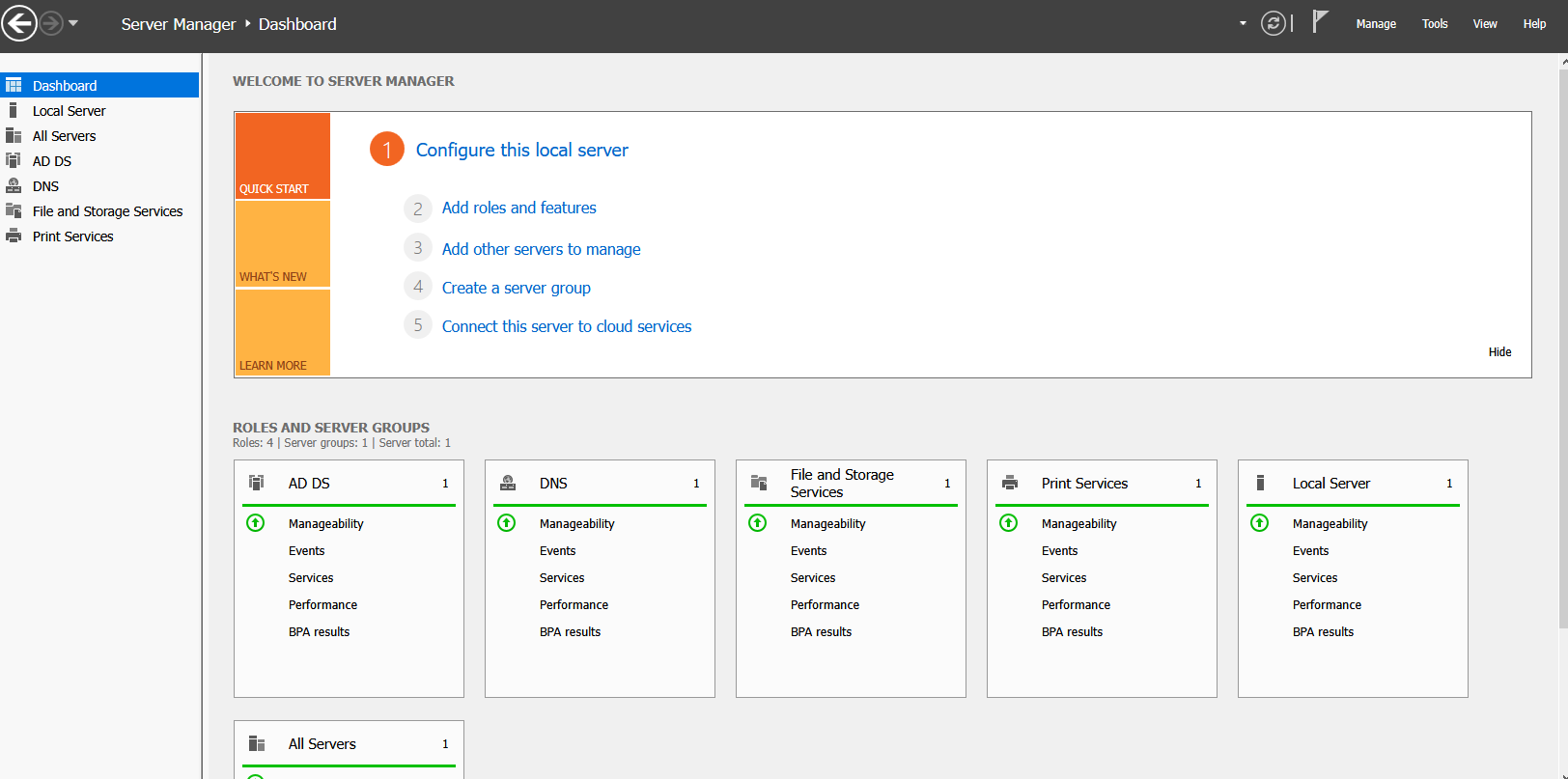
In Server Manager, click Tools.
-
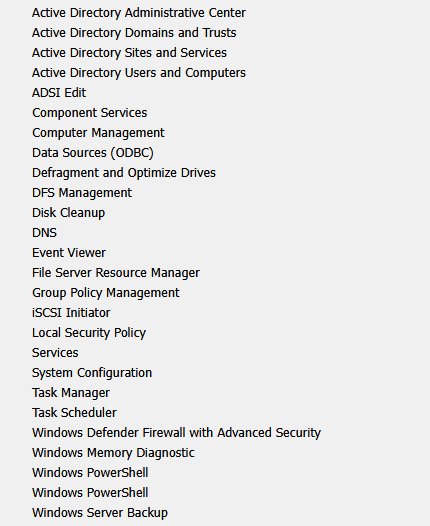
Select Group Policy Management.
-
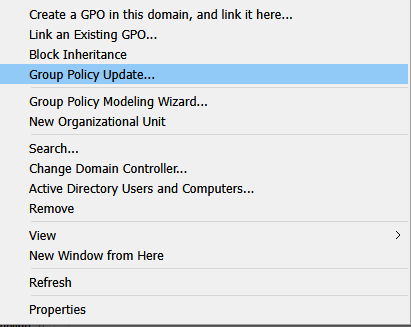
Right-click your Domain.
-
Click Create a GPO in this domain, and link it here...
-
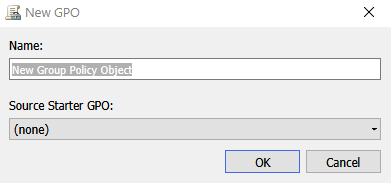
In the New GPO window, name your password policy.
-
Right-click the new GPO and select Edit.
-
Navigate to:
Computer Configuration → Windows Settings → Security Settings → Local Polices → Security Options
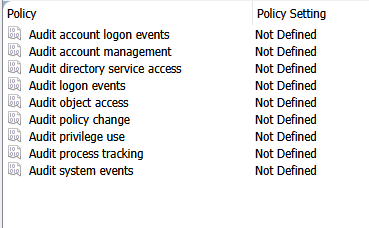
- Some General Options to check are
- Audit: Force audit policy subcategory settings (Windows Vista or later) to override audit policy category settings
- Audit: Shut down system immediately if unable to log security audits
- Navigate to:
Computer Configuration → Windows Settings → Security Settings → Local Polices → Event Log
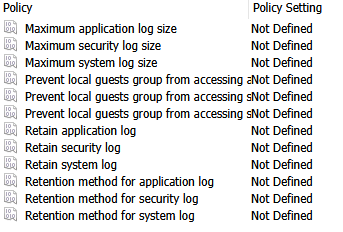
- Some General Options to check are
- Retention method for Security Log
- Navigate to:
Computer Configuration → Windows Settings → Security Settings → Advanced Audit Policy Configuration
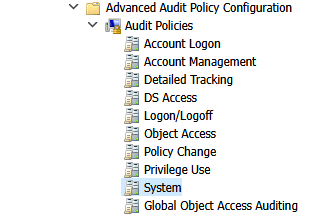
- Some General Options to check are
- Account Logon: Audit Credential Validation
- Account Management: Audit User Account Management
- Account Management: Audit Security Group Management
- Account Management: Audit Other Account Management Events
- Account Management: Audit Computer Account Management
- Detailed Tracking: Audit Process Creation
- Logon/Logoff: Audit Logon
- Logon/Logoff: Audit Logoff
- Policy Change: Audit Authentication Policy Change
- Policy Change: Audit Audit Policy Change
- Privilege Use: Audit Sensitive Privilege Use
- System: Audit System Integrity
- System: Audit Security System Extension
- System: Audit Security State Change
- stem: Audit IPsec Driver
✅ End Result:
You have successfully created and applied a Group Policy Object (GPO) to apply security policies across your Active Directory domain.