Practical procedure and troubleshooting notes for Common Windows Printer Issues.
Troubleshooting Windows taking a long time to spool
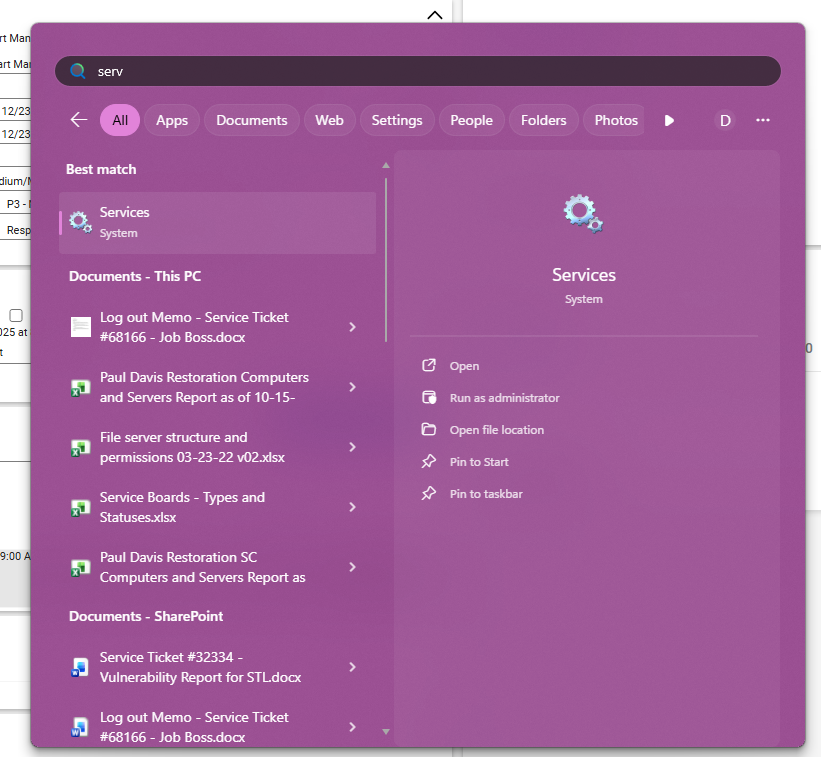
- Open Services as administrator
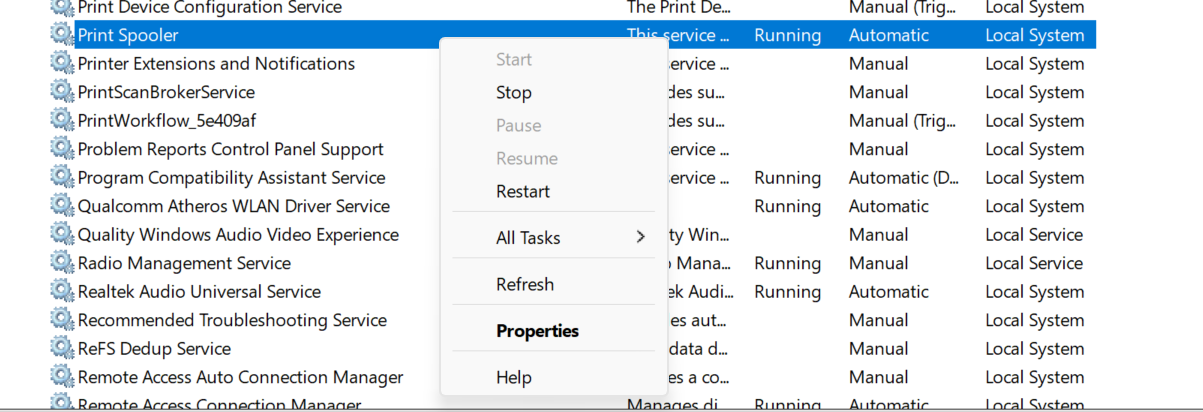
- In services Stop the "Print Spooler Service"
- Navigate to "C:\windows\system32\spool\PRINTERS"
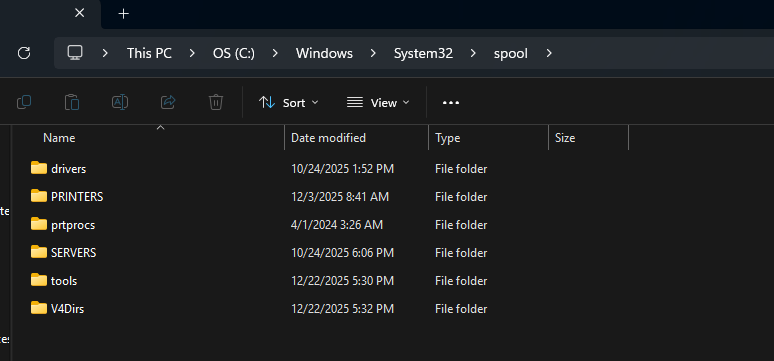
- Remove All Files in PRINTERS
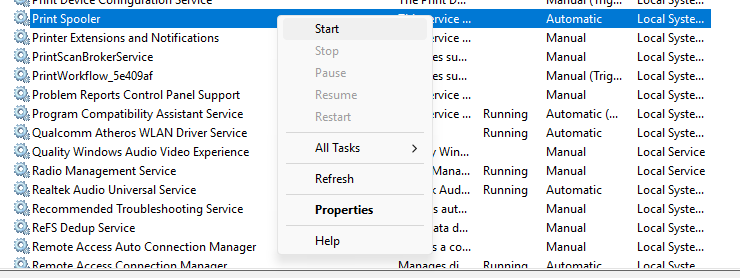
- Start the "*** Print Spooler Service"
- Print a test Page
To Preform the Same thing from CMD use
net stop spooler
del /Q /F C:\Windows\System32\spool\PRINTERS\*
net start spooler