Practical procedure and troubleshooting notes for Configure User Access Control.
-
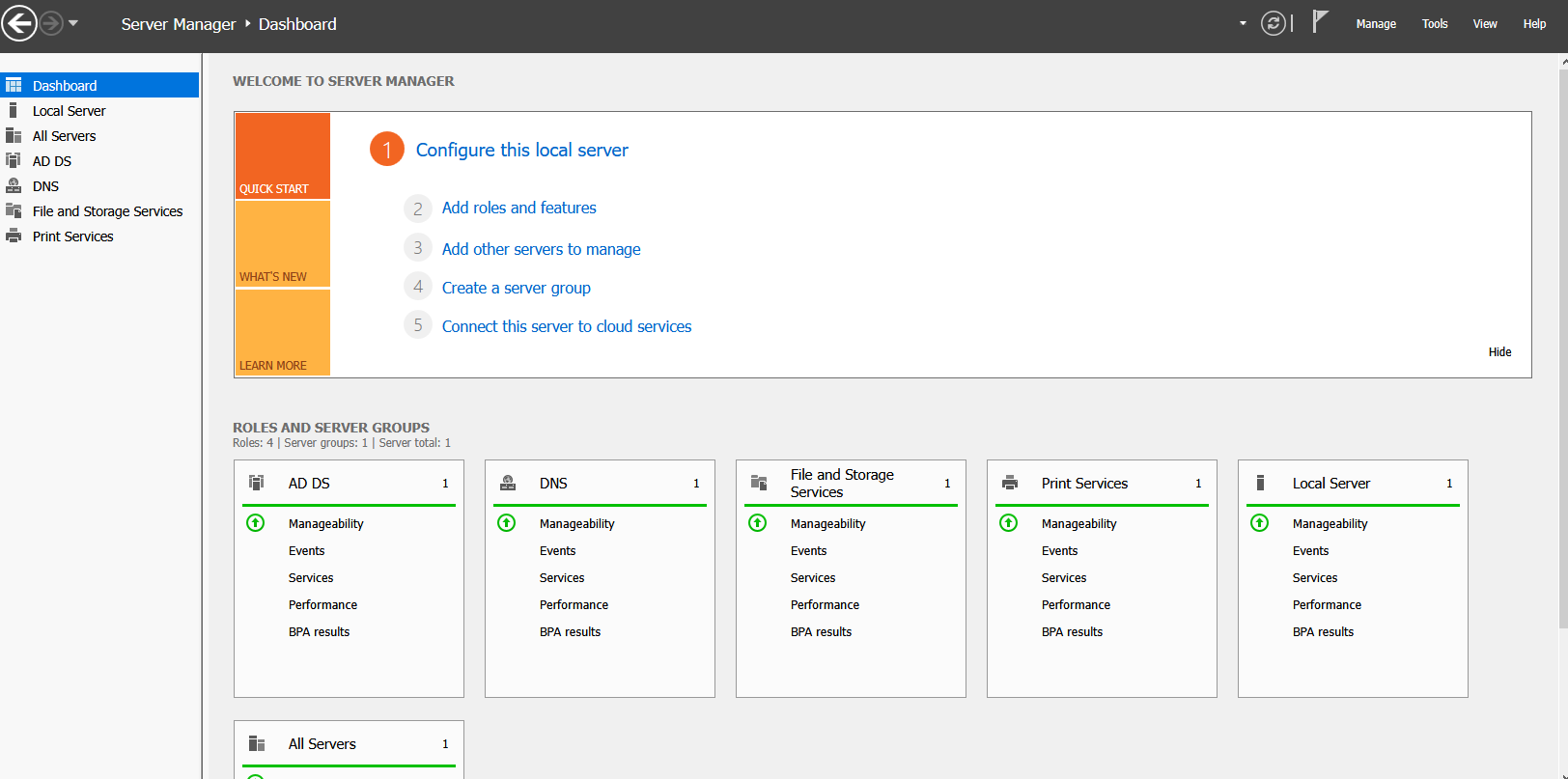
In Server Manager, click Tools.
-
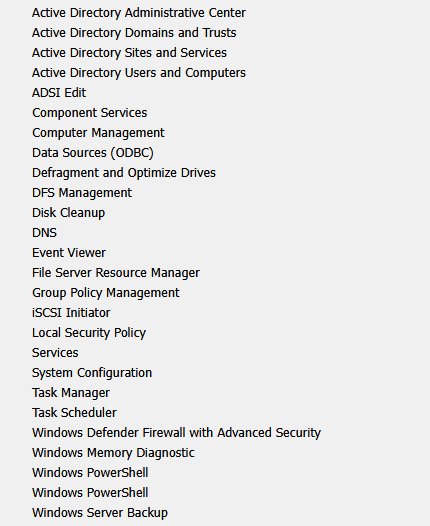
Select Group Policy Management.
-
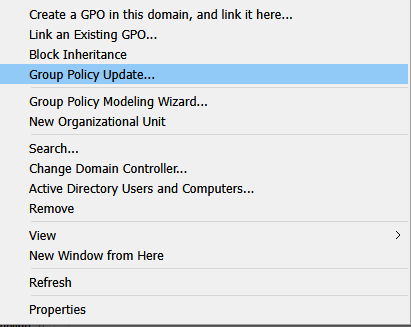
Right-click your Domain.
-
Click Create a GPO in this domain, and link it here...
-
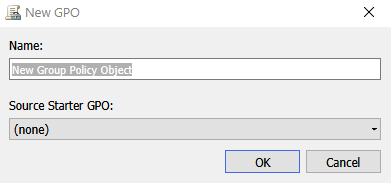
In the New GPO window, name your password policy.
-
Right-click the new GPO and select Edit.
-
Navigate to:
Computer Configuration → Windows Settings → Security Settings → Local Polices → Security Options
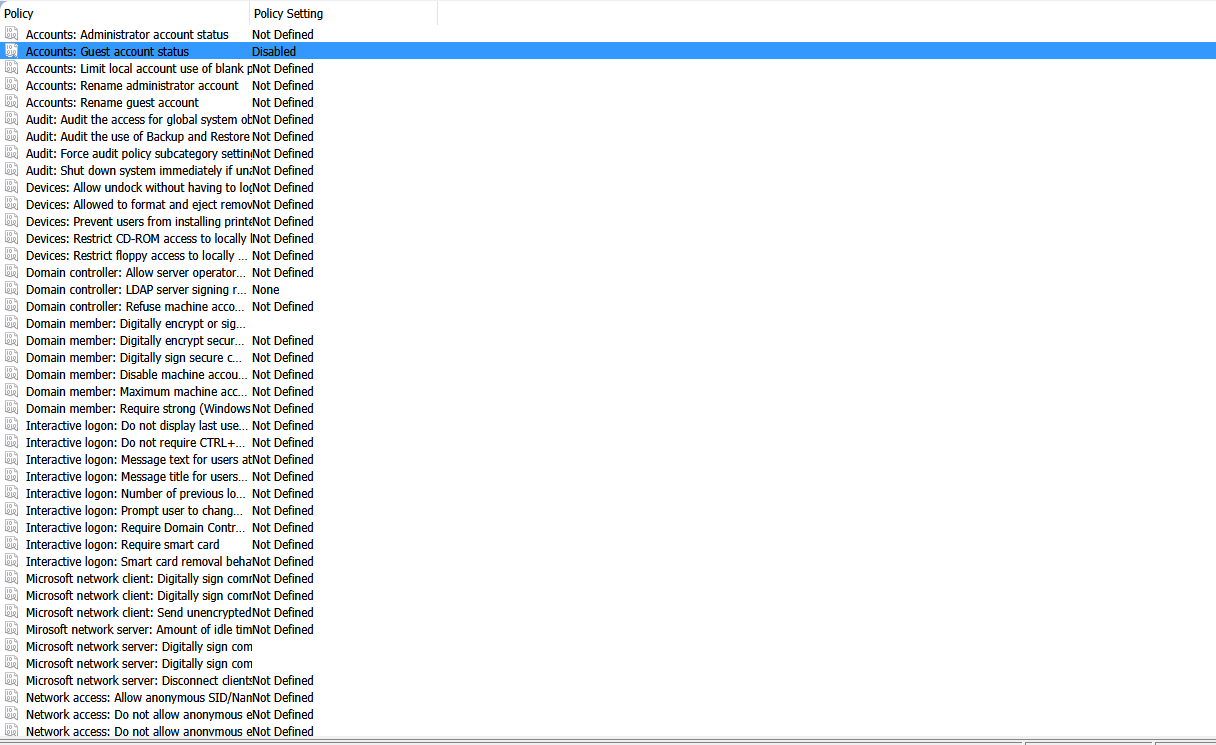
- Some General Options to check are
- Admin Approval mode for the built-in Administrator account
- Allow UIAccess applications to prompt for elevation without using the secure desktop
- Behavior of the elevation prompt for administrators in Admin Approval mode
- Behavior of the elevation prompt for standard users
- Detect application installations and prompt for elevation
- Only elevate executables that are signed and validated
- Only elevate UIAccess applications that are installed in secure locations
- Run all administrators in Admin Approval mode
- Switch to the secure desktop when prompting for elevation
- Virtualize file and registry write failures to per-user locations
✅ End Result:
You have successfully created and applied a Group Policy Object (GPO) to apply User Access Control policies across your Active Directory domain.