Steps to Create a New Group
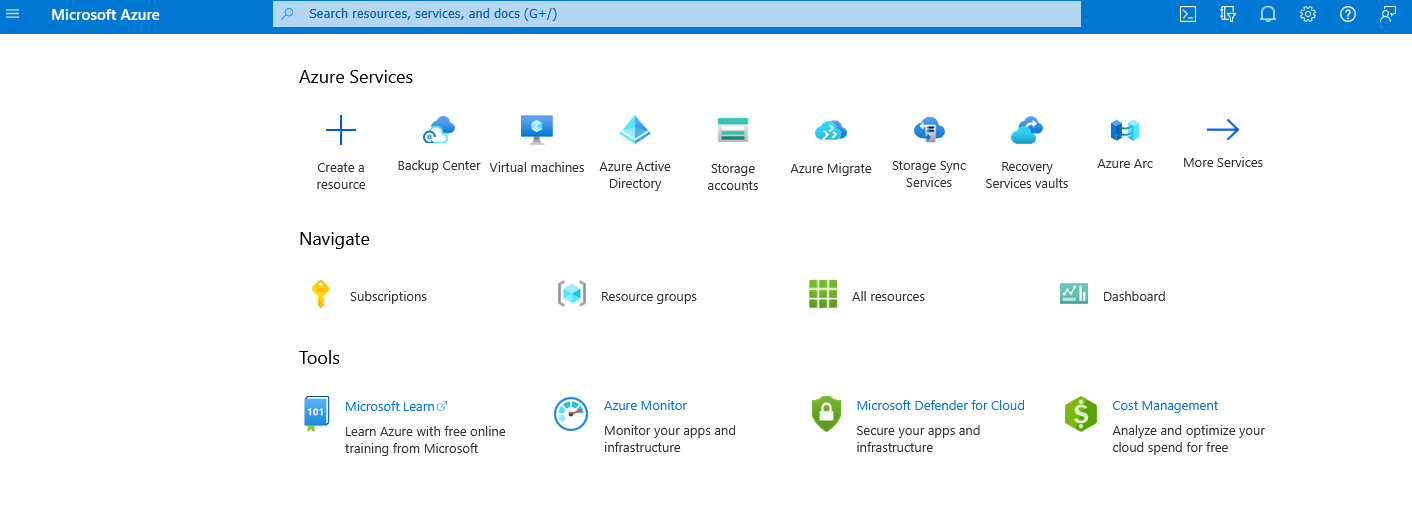
- Login to your Azure Portal.
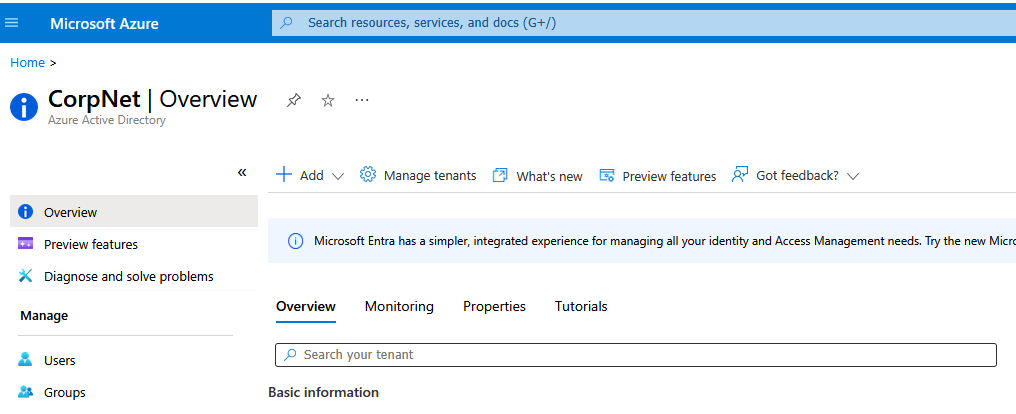
- Go to Azure Active Directory.
- Click on the Add dropdown menu.
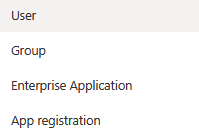
- Select Group.
- Fill out the group information (name, description, group type, and membership type).
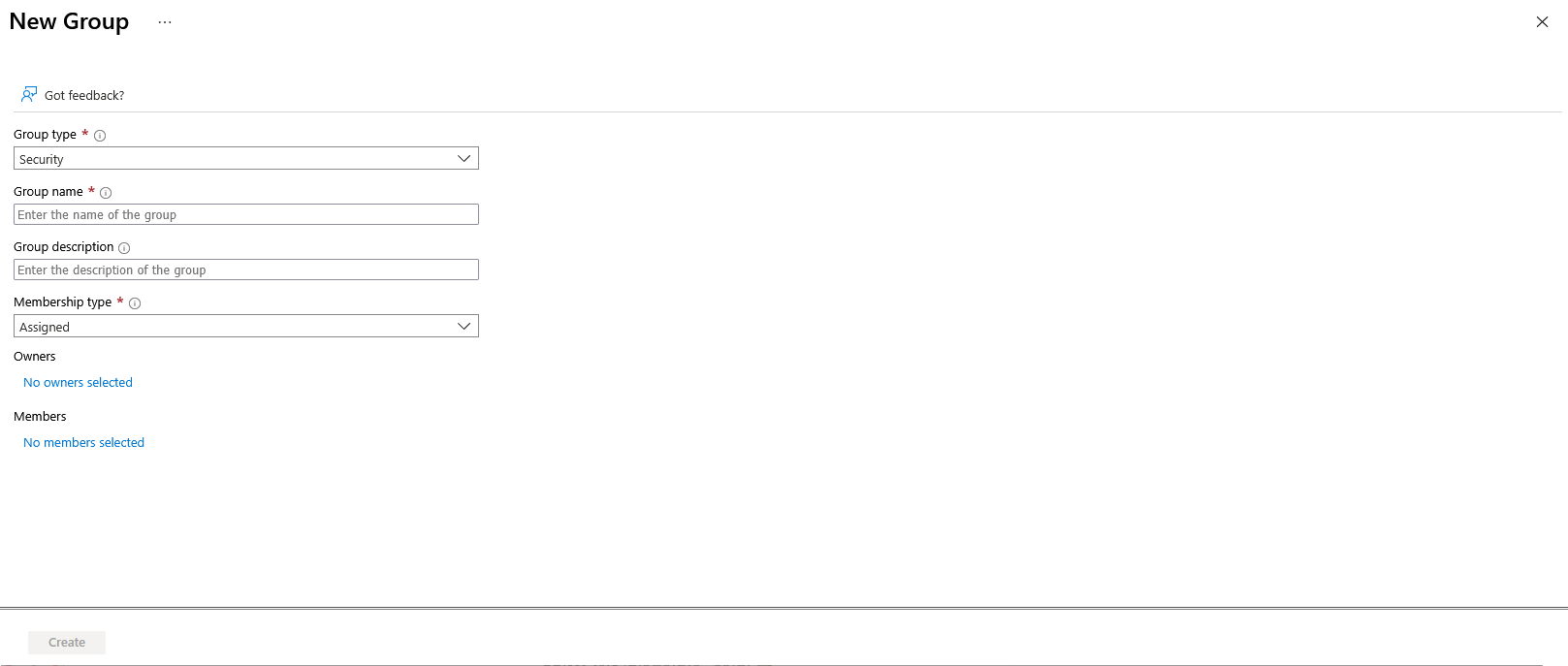
- Click Create.
✅ You have now created a group within Azure Active Directory.