Practical procedure and troubleshooting notes for Managing Organizational Units Within Active Directory.
Adding Organizational Units to Active Directory
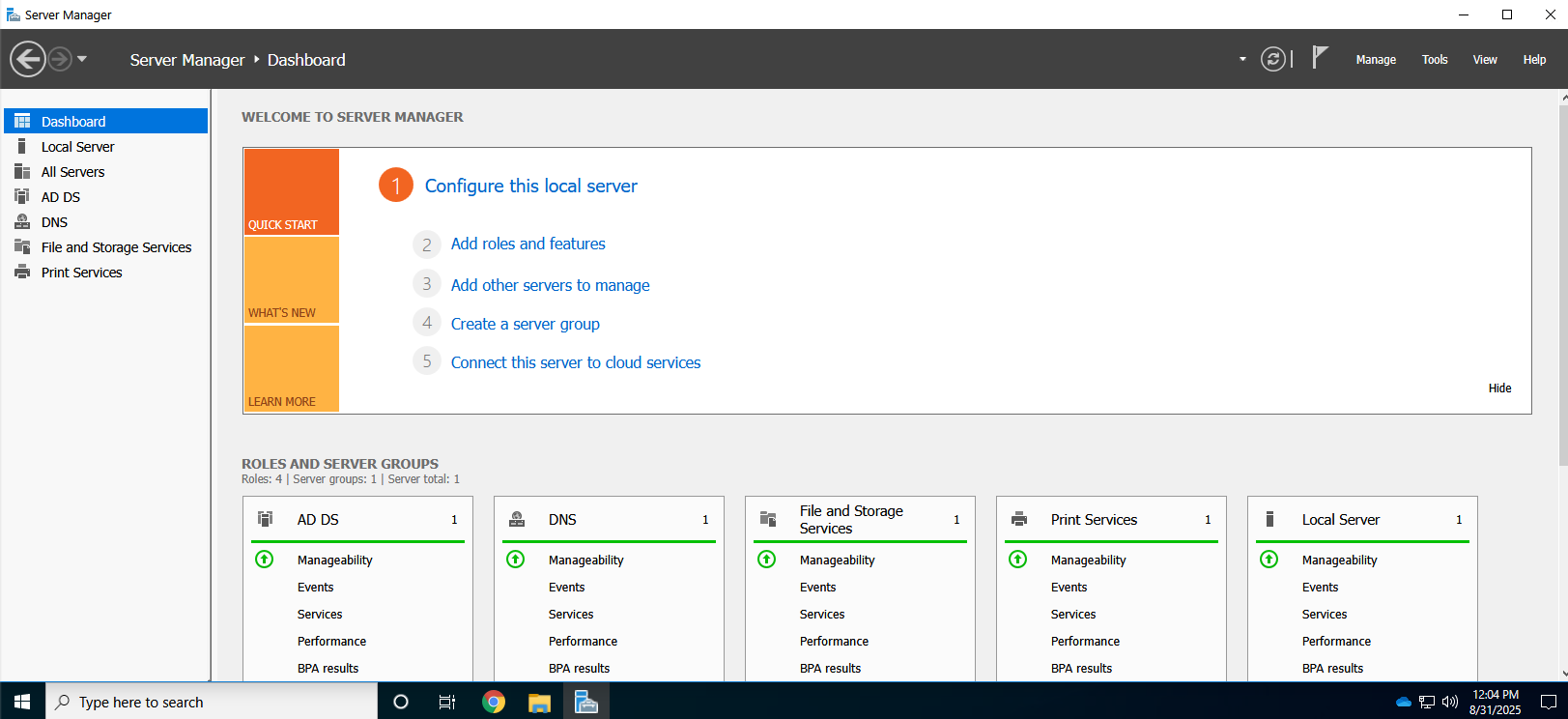
- Open Server Manager.
- Click Tools in the top-right corner.
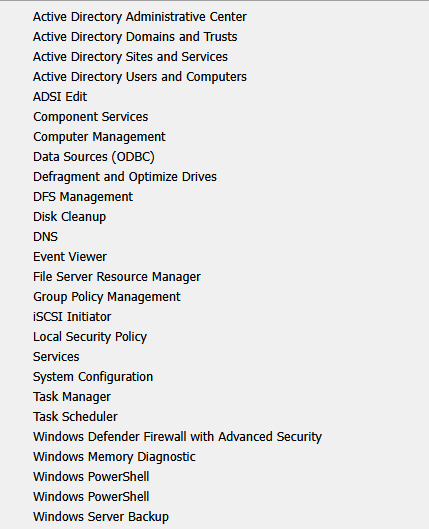
- Click Active Directory Users and Computers.
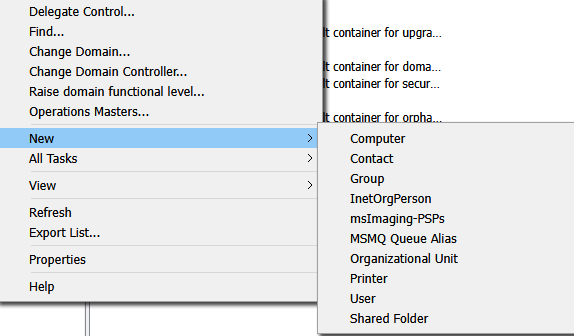
- Right-click the domain where you want to add an Organizational Unit.
- Select New → Organizational Unit.
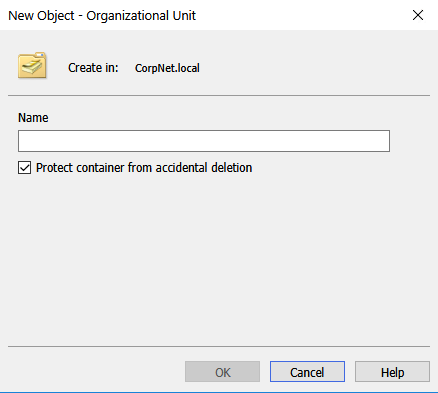
- Type the name of the Organizational Unit and click Finish.
- To create nested OUs, right-click an existing Organizational Unit and follow the same steps.
- ✅ You have successfully created an Organizational Unit.
Deleting Organizational Units in Active Directory
⚠️ This is a destructive action. Ensure you understand which Organizational Unit you are deleting or perform this in a sandbox environment. Deleting an OU will also delete all users and objects inside it.
- Open Server Manager.
- Click Tools in the top-right corner.
- Click Active Directory Users and Computers.
- Click View → Advanced Features to enable it.

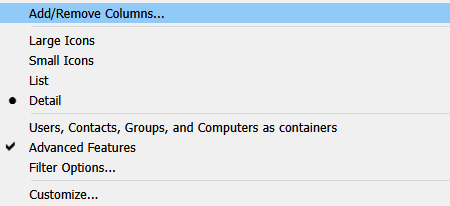
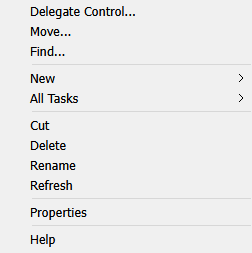
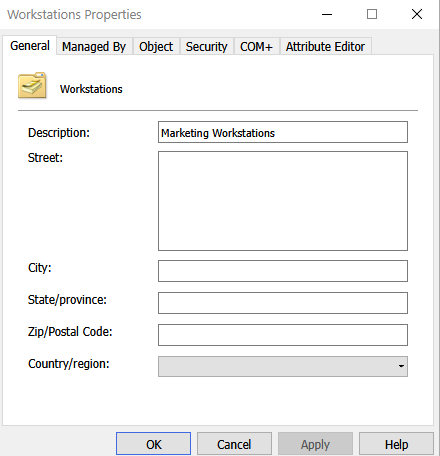
- Right-click the OU you want to delete and select Properties.
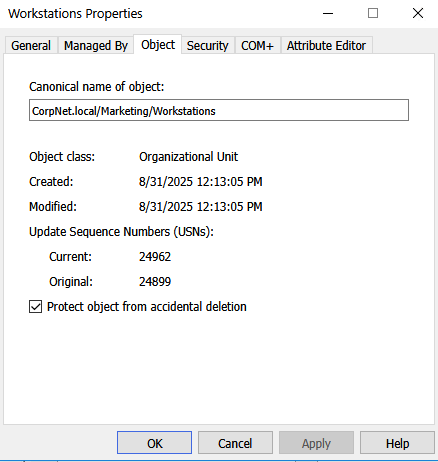
- Go to the Object tab.
- Uncheck Protect object from accidental deletion.
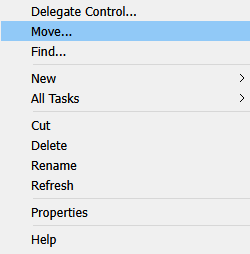
- Right-click the OU again and select Delete.
- ✅ You have successfully deleted the Organizational Unit.