Practical procedure and troubleshooting notes for Manage Users in Azure Active Directory.
Steps to Create a New User
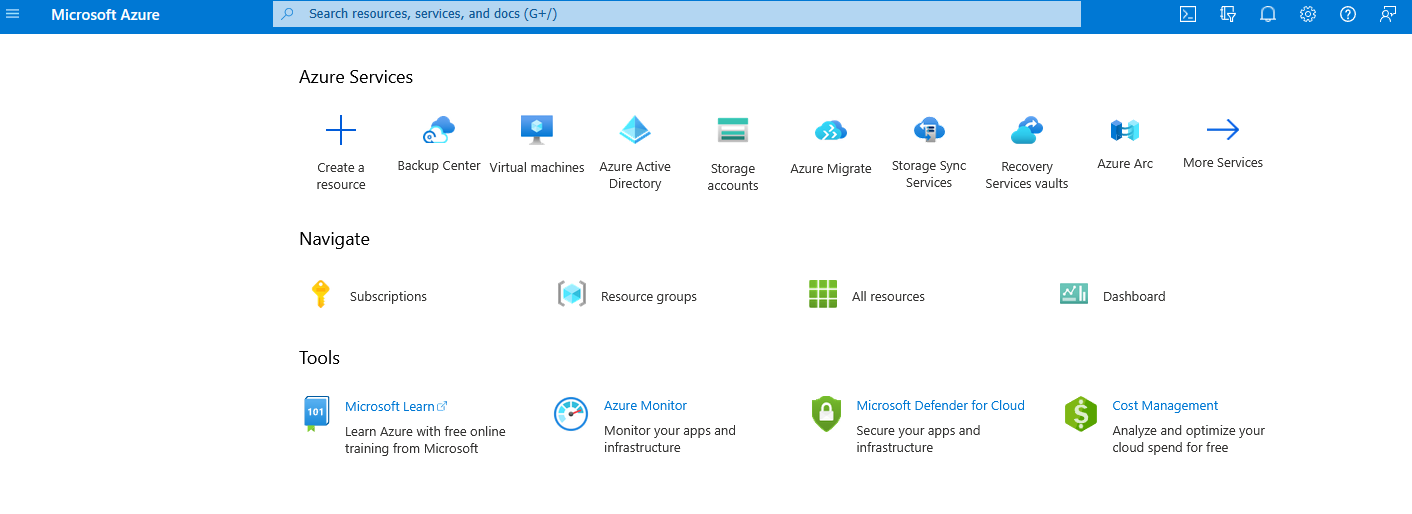
- Login to the Azure Portal.
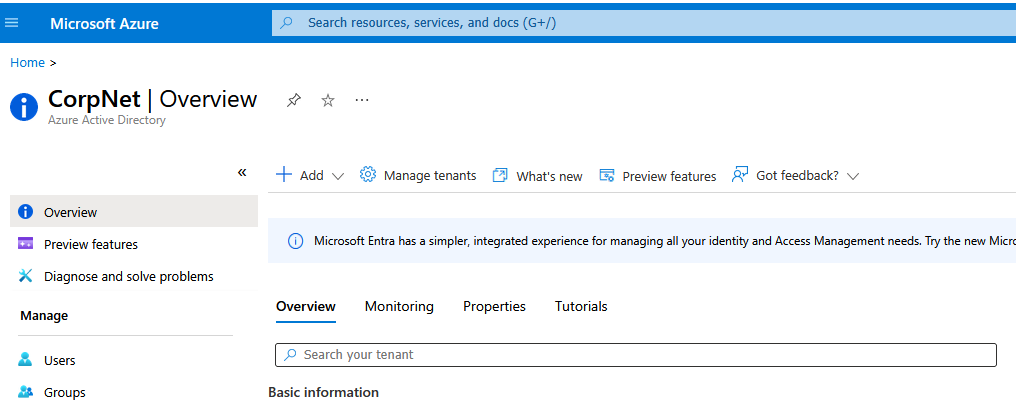
- Go to Azure Active Directory.
- Click the New dropdown menu.
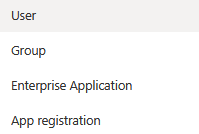
- Select User.
- Fill in the user’s information (name, username, password, roles, and group memberships).
- Click Create.
✅ The new user has now been added to Azure Active Directory.